AI answers for HVAC technicians, cited from the service manualAsk the
manual.
Type the model number and what the unit is doing. MyLeadTech answers from the manufacturer's own literature and opens the exact page, highlighted. Top 50 US HVAC brands.
- No card
- Runs in your phone's browser
- Bring up to 3 techs
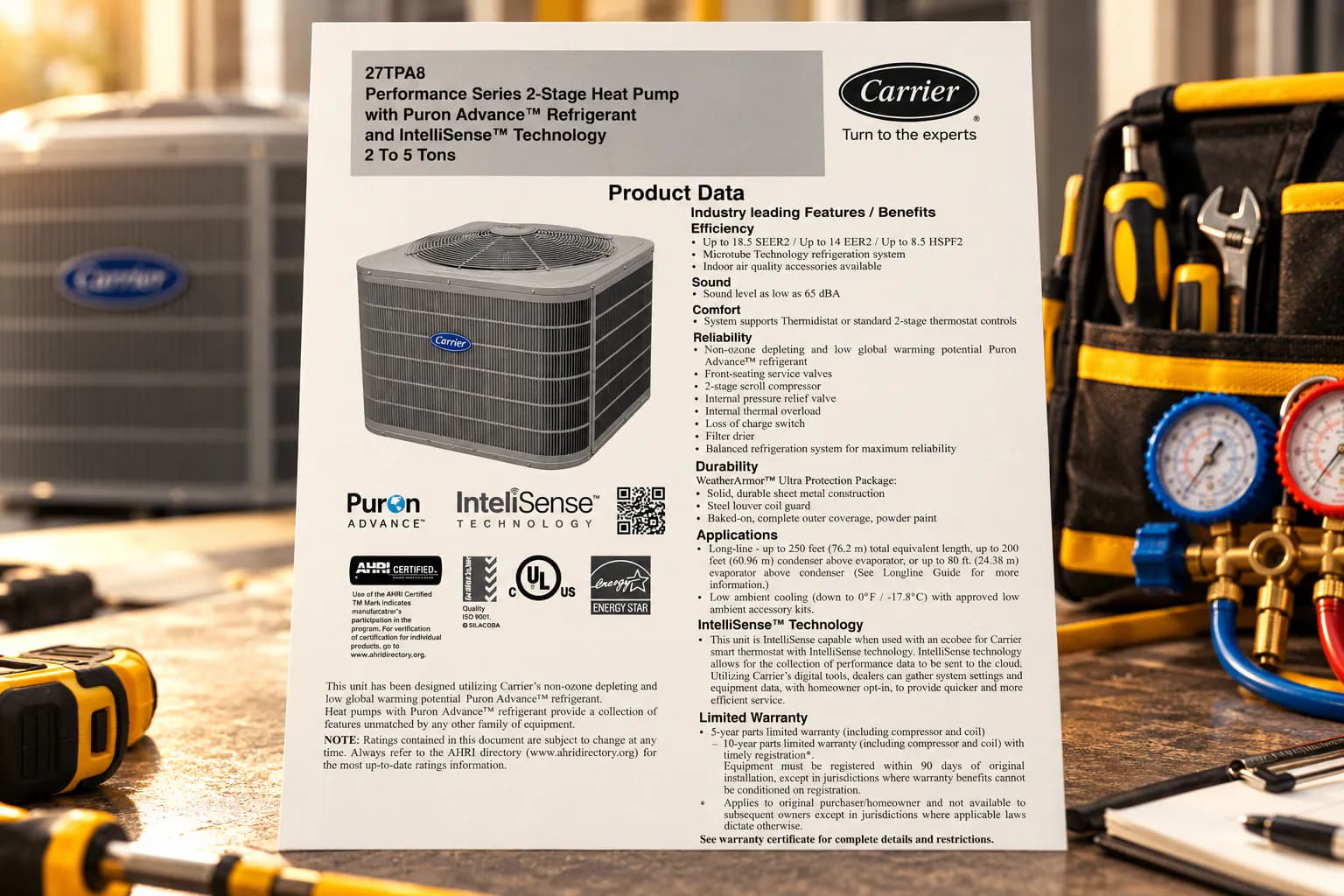
Top 10 US brands







The fix is in the manual. Finding it is the job.
The service manual runs 80 pages. The wiring diagram is in another PDF. The charging chart depends on the exact model on the nameplate. And you're on a roof in July.
A general chatbot answers fast — then makes up a value for a model it has never seen. You find out on the callback.
MyLeadTech is an HVAC troubleshooting assistant for technicians: fault codes, wiring diagrams and charging data for heat pumps, air conditioners and furnaces, read from the manufacturer's own documents.
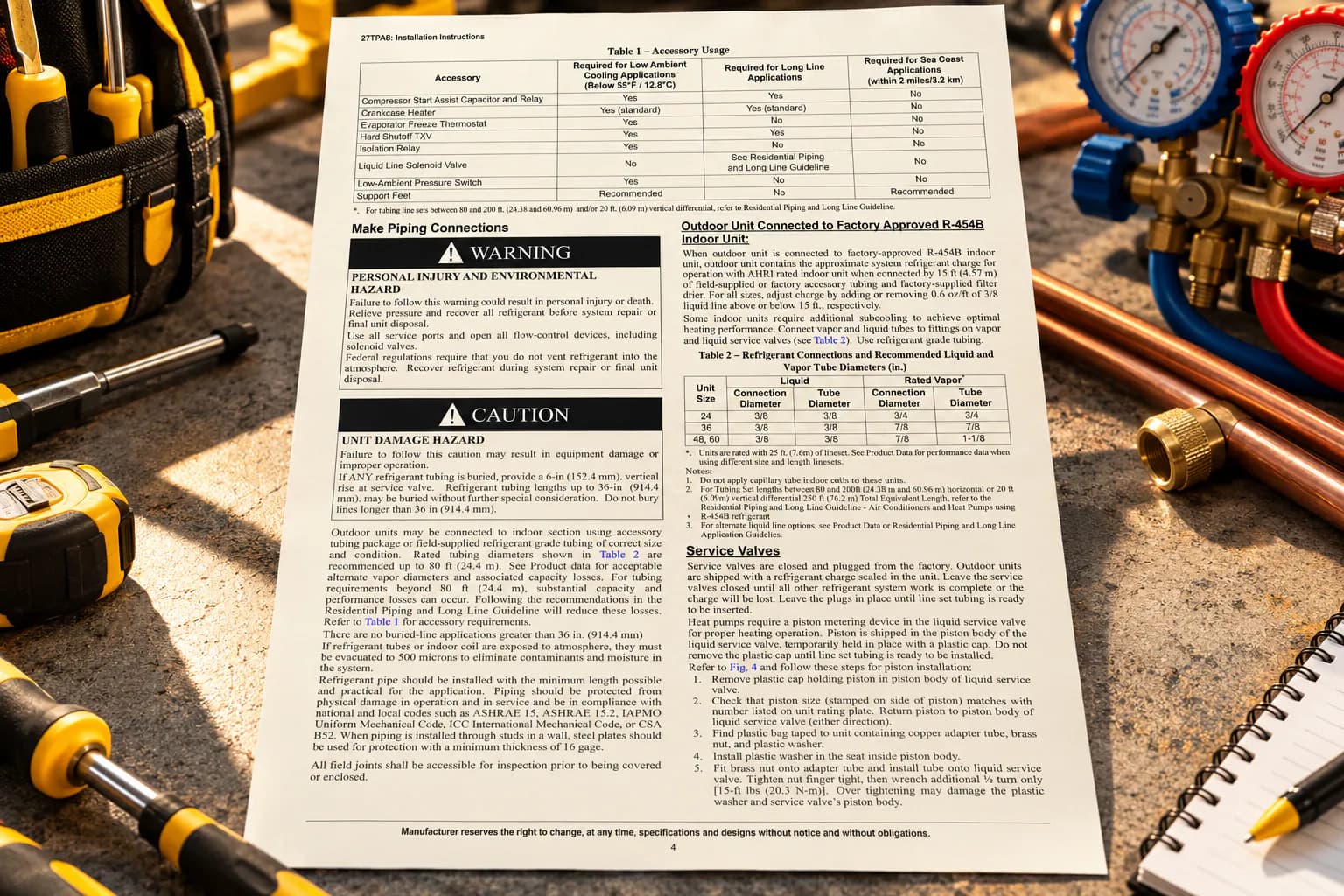
Nameplate to page in three moves.
How to find the right service manual page from a model number
Type it like you'd say it.
Model number, what the unit is doing, the readings you already have. Plain words are fine.
- Model number
- What it's doing
- Your readings
Get the checks, in order.
What to check first, what it means, and which page says so. Every point carries a numbered source.
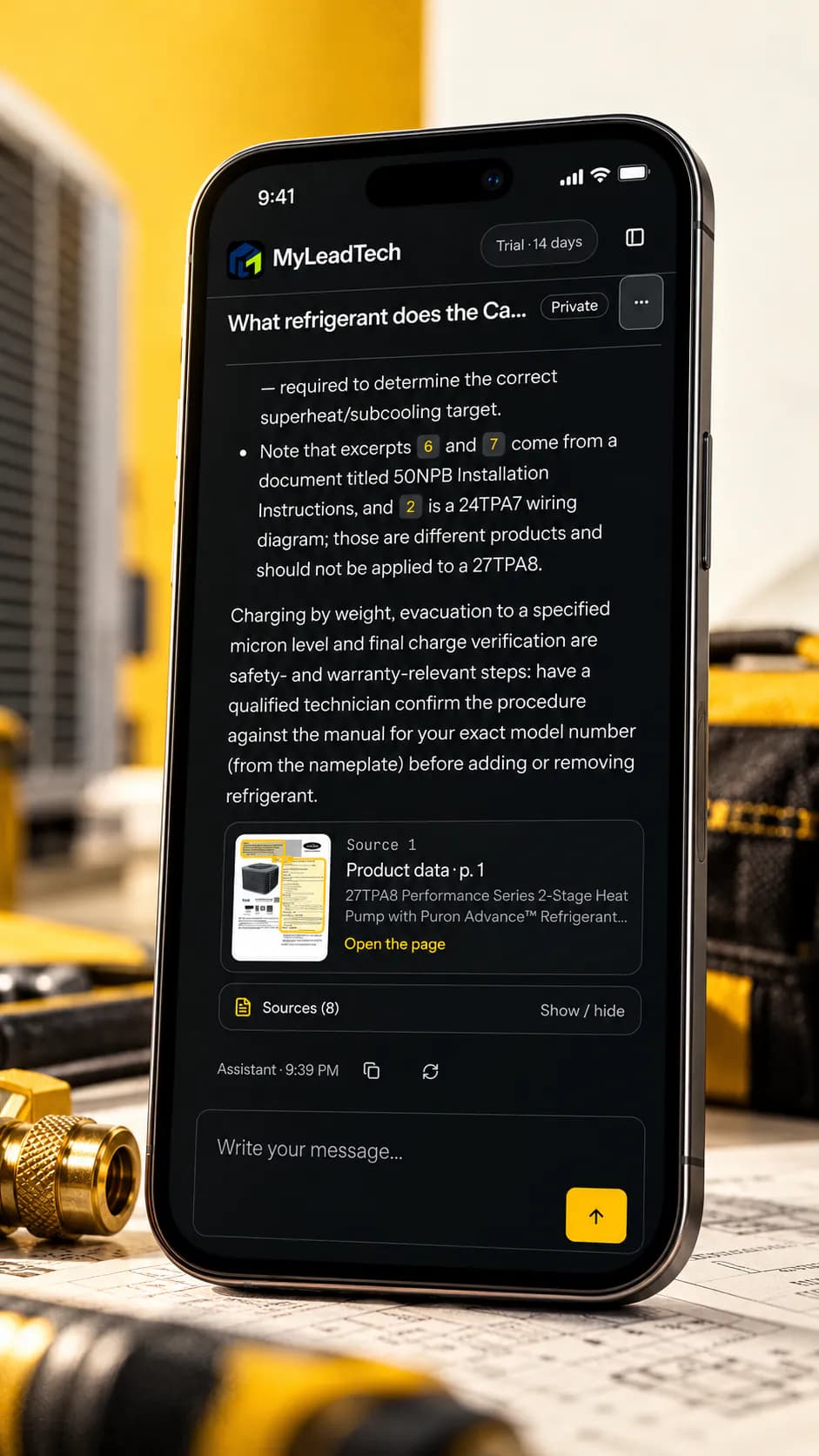
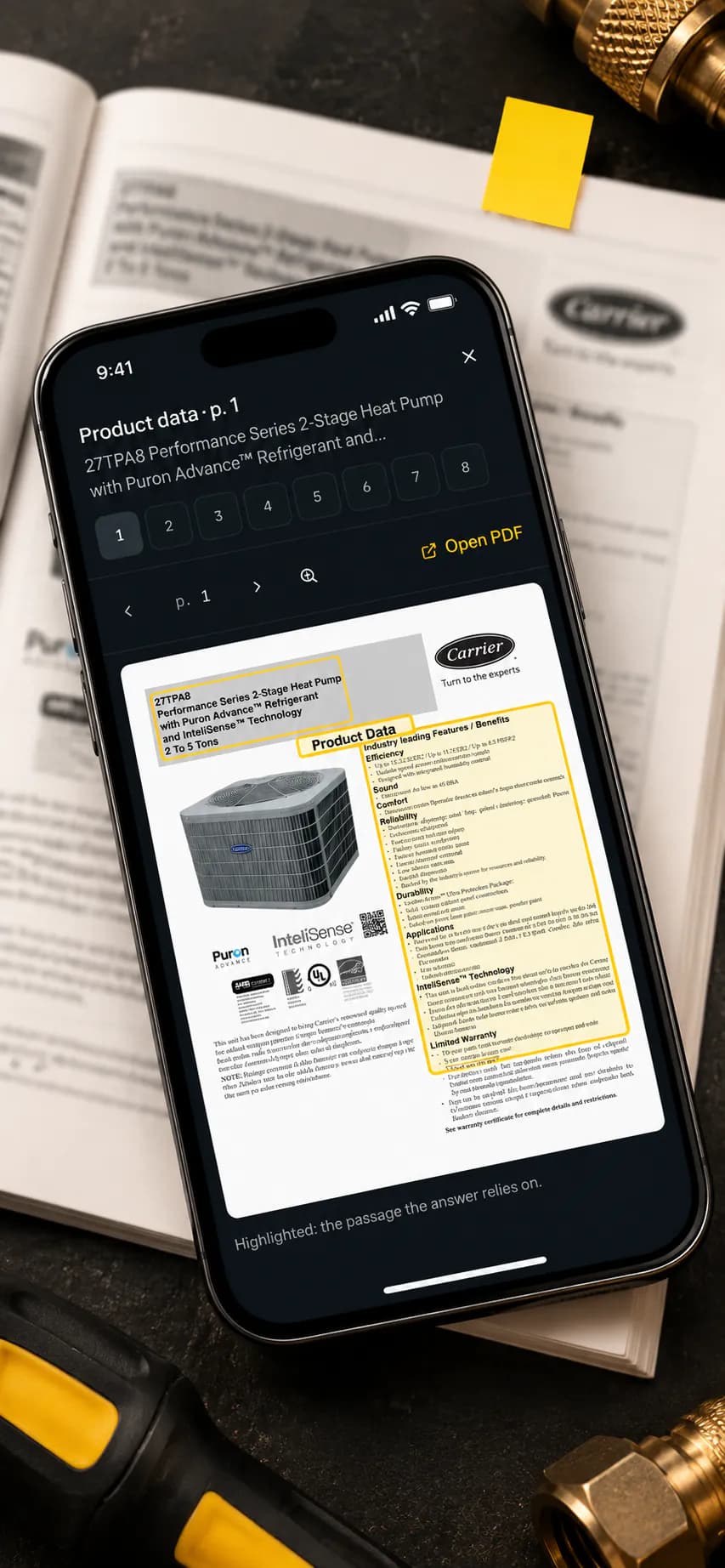
Open the page.
Tap a source. The manual opens on the right page with the passage framed. Zoom, flip, or open the full PDF.
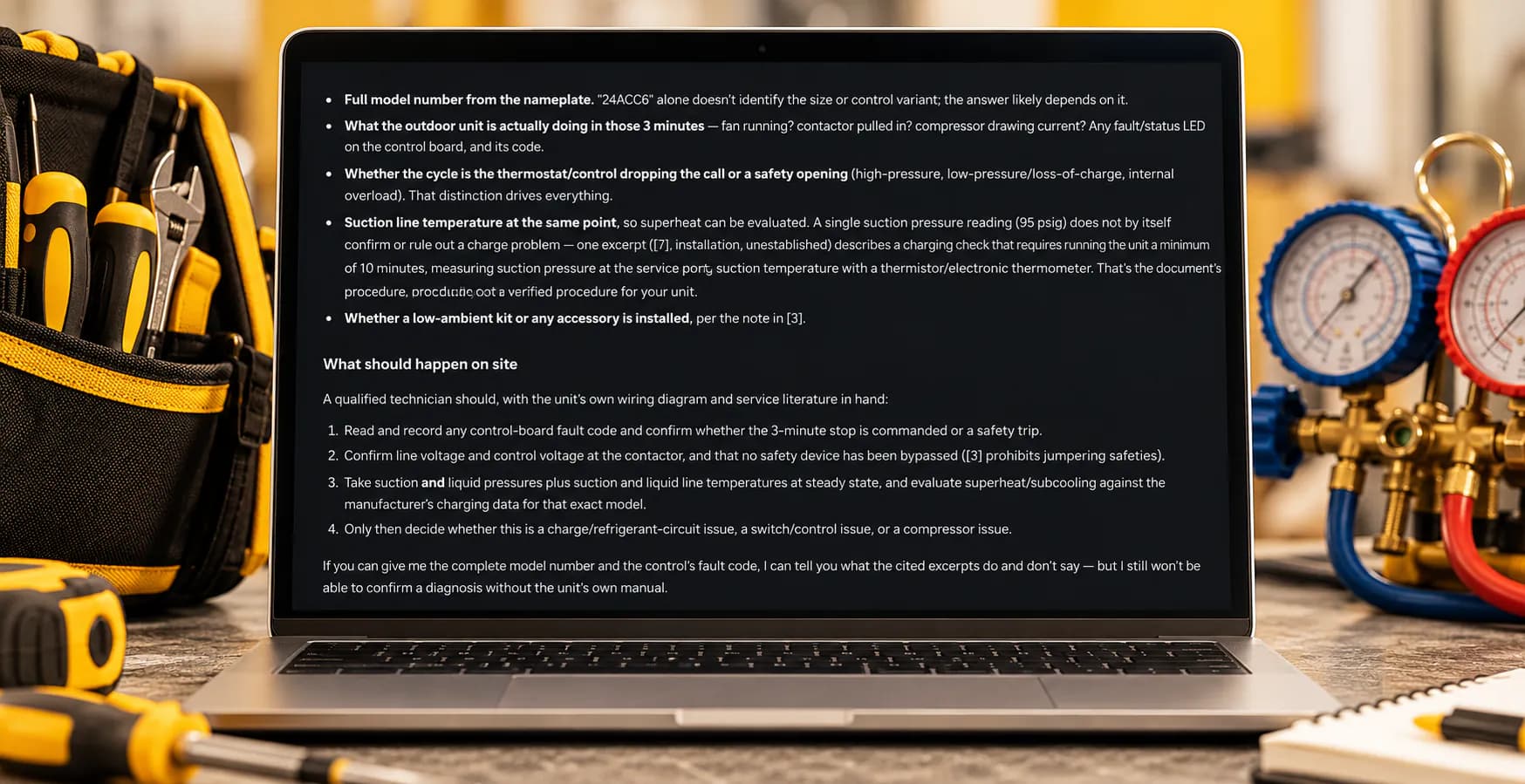
It shows its work.
How MyLeadTech answers an HVAC troubleshooting question
A tech asked why a Carrier 24ACC6 condenser shuts off after three minutes with 95 psig on the suction side. MyLeadTech didn't guess. It asked for what was missing — the full model number, what the unit does in those three minutes, the suction line temperature — then laid out the checks the documents support.
Take suction and liquid pressures plus suction and liquid line temperatures at steady state, and evaluate superheat/subcooling against the manufacturer's charging data for that exact model.”
Other tools answer. This one shows the page.
MyLeadTech compared with ChatGPT, brand apps and Bluon MasterMechanic
- Where answers come from
- MyLeadTech: The manufacturer's documents for your unit
- General AI chatbot: The open internetBrand apps: That one brand's own toolsBluon MasterMechanic: Past tech-support calls
- Can you check it?
- MyLeadTech: One tap opens the page, highlighted
- General AI chatbot: NoBrand apps: Manuals, in separate sectionsBluon MasterMechanic: Its own footer: “check responses”
- Brands covered
- MyLeadTech: The top 50 US brands, listed
- General AI chatbot: Anything, looselyBrand apps: One brand eachBluon MasterMechanic: Many brands
- When the manual is silent
- MyLeadTech: It tells you, and what to measure next
- General AI chatbot: It fills the gapBrand apps: Not publishedBluon MasterMechanic: Not published
Based on public information from each vendor, October 2026. Brand apps: Carrier, Trane, Lennox.
Built for the truck, not the office.
An HVAC technician app that runs in the phone's browser
- Nothing to install.
- Open it in your phone's browser. Same account on the laptop when you write it up.
- Every job, saved.
- Sessions are kept and searchable. Pick up yesterday's unit where you left it.
- Private by default.
- Your sessions stay yours unless you share them.
Start solo. Bring the crew.
Sign up in a minute and use it on your next call. Running a shop? Invite up to 3 techs during the trial and keep everyone's sessions in one workspace.
MyLeadTech for teams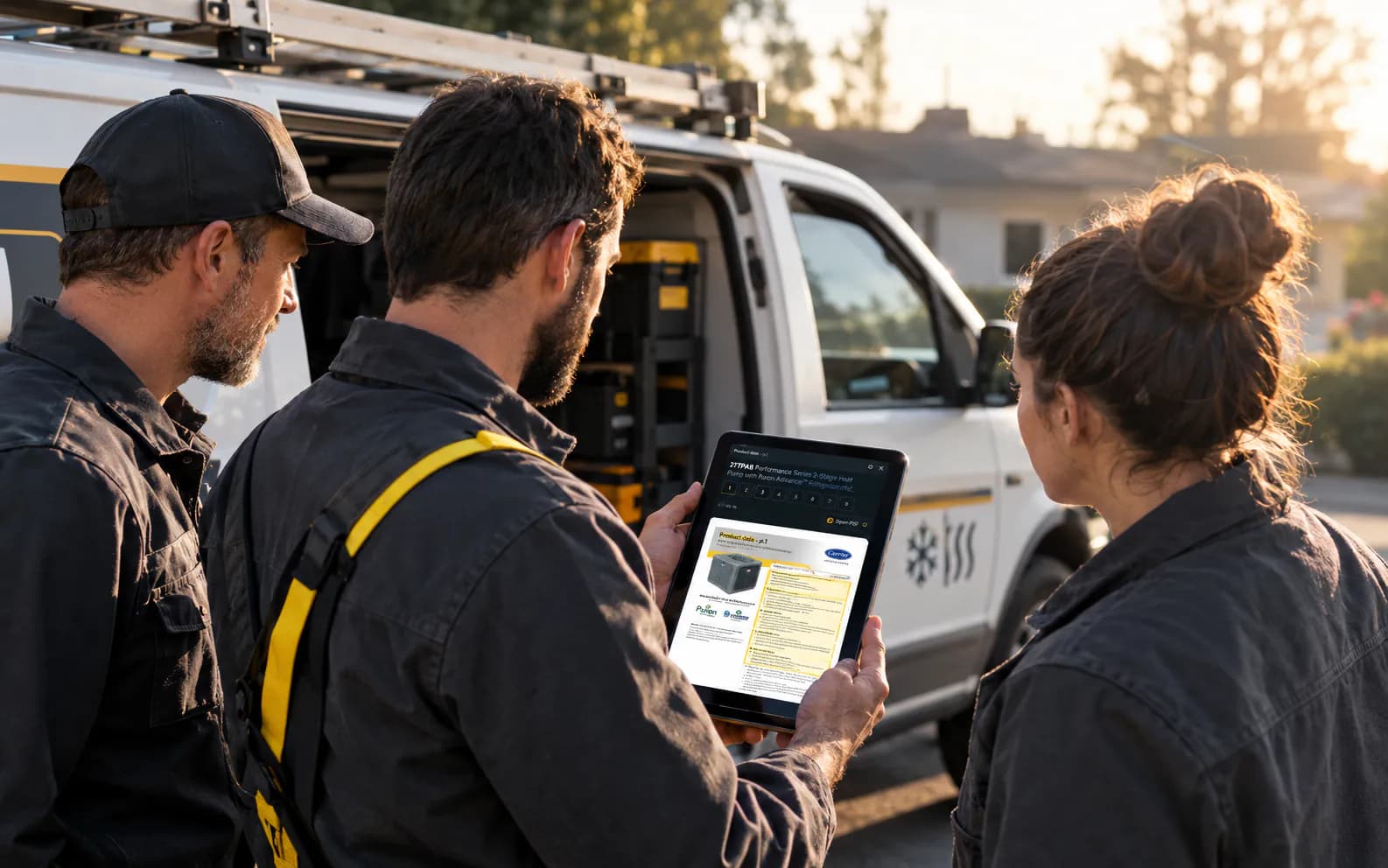
Building for the trades?
An HVAC API and MCP server with page-level sources
The same source-cited answers through a REST API or an MCP server your AI assistant connects to. Free sandbox. No sales call.
Claude Code
claude mcp add --transport http myleadtech https://mcp.myleadtech.app/mcp/What techs ask first.
Common questions about MyLeadTech for HVAC troubleshooting
Is this just ChatGPT?
No. A general chatbot answers from what it picked up on the internet. MyLeadTech searches the manufacturers' own documents for your unit and shows you the page each answer comes from.
Which brands are covered?
The top 50 US HVAC brands, including Carrier, Trane, Lennox, Goodman, Rheem and Daikin. See all 50 on the Brands page.
What if the answer is wrong?
Every answer links to its sources, so you check the page before you act. When the documents don't cover your question, MyLeadTech says so instead of guessing.
Do I need to install anything?
No. It runs in any modern browser, on your phone or your computer.
How much does it cost?
Start free for 14 days, no card needed. Plans are shown inside the app before you pay anything.
Who is it for?
Working HVAC/R technicians and the shops they work for. It doesn't replace your training, your tools or the unit's safety procedures.
Does it have error codes and wiring diagrams?
Yes, when the manufacturer's documents include them: fault-code tables, wiring diagrams and charging data. The answer links to the page it read, so you check the code or the diagram before you act.
How is it different from Bluon or brand apps?
Brand apps cover one brand each. Bluon's MasterMechanic answers from past tech-support calls and its own footer says to check responses. MyLeadTech answers from the manufacturer's documents for your unit and opens the page, highlighted. Based on public information, October 2026.
Take it on your next call.
14 days free. No card. Your first answer in under a minute.
- No card
- Runs in your phone's browser
- Bring up to 3 techs